The Payments tab is the financial tools section within Prisma.
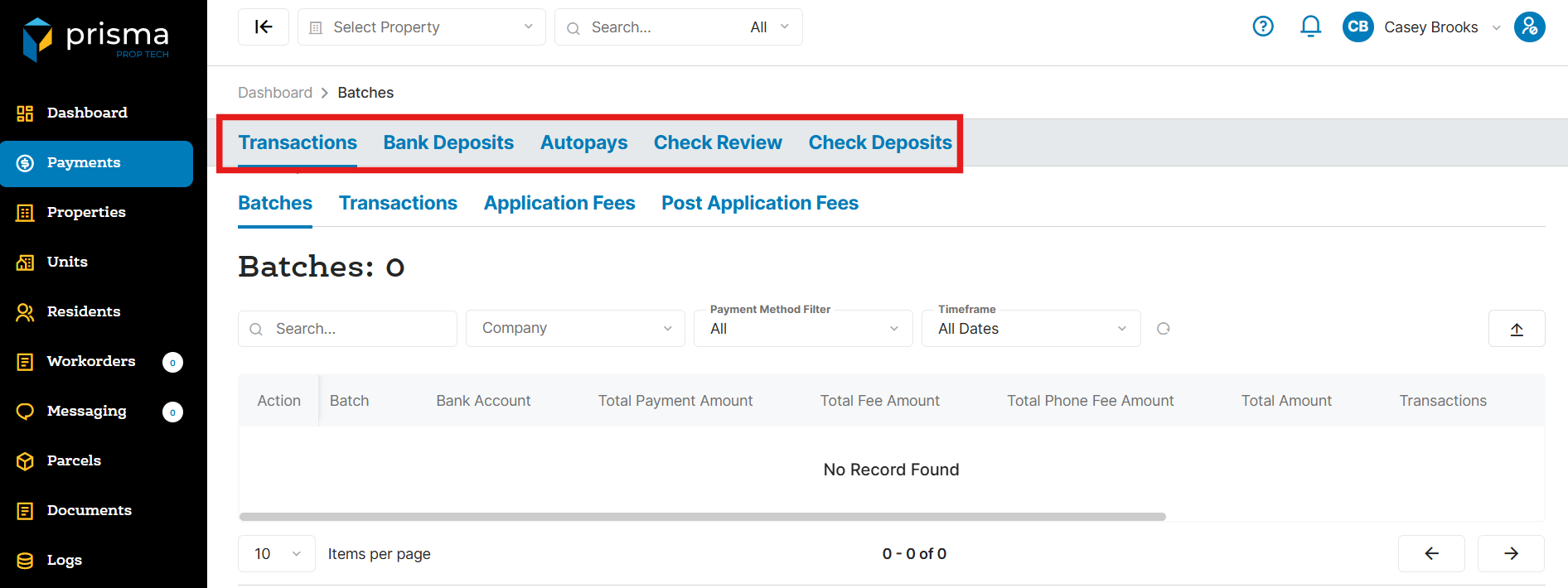
The top bar has the following navigation tabs:
- Transactions – The Transaction tab provides access to following tabs: Batches, Transactions, Application Fees and Post Application Fees.
- Bank Deposits – The Bank Deposit tab displays all of your bank deposits.
- Autopays – The Autopay Tab displays all of the autopays for your residents.
- Check Review – The Check Review tab displays all of the transactions created from the Desktop Check Scanner.
- Check Deposits – The Check Deposit tab allows you to capture the front and back of a check or money order, from a resident, so it may be processed in Prisma as a Mobile Check Deposit.
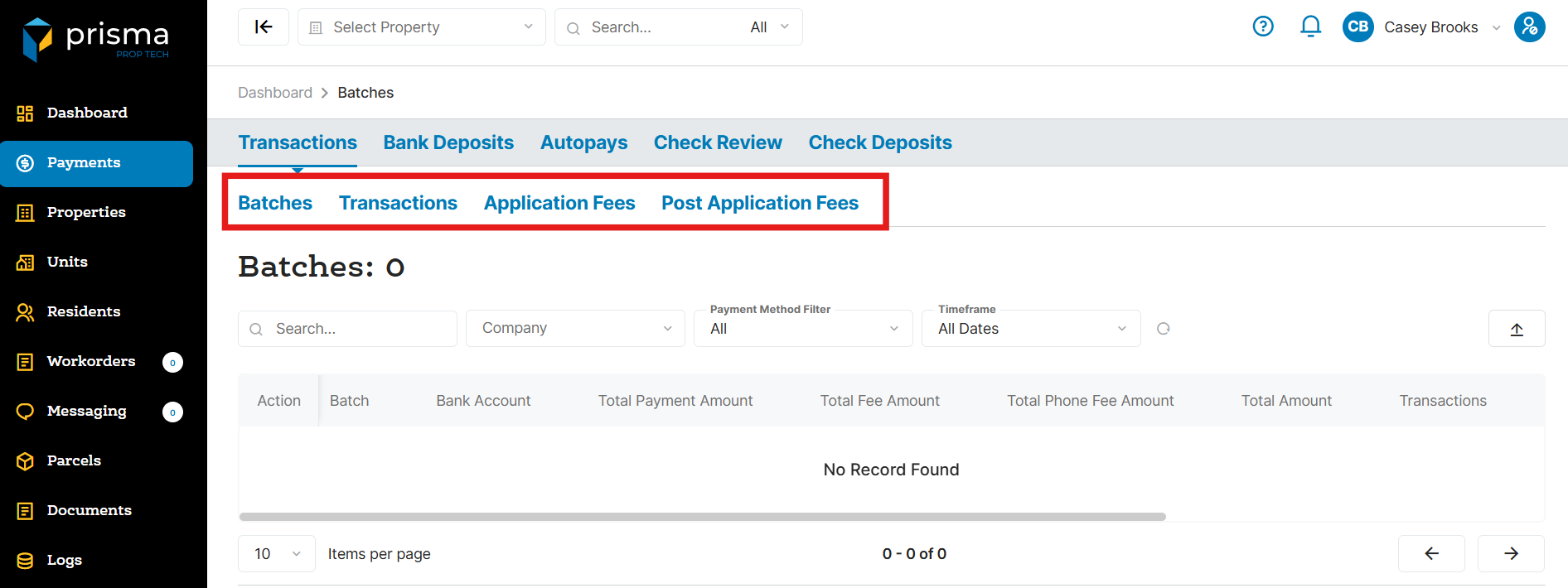
The bottom bar has the following navigation tabs:
- Batches – The Batches tab provides a list of all the batches. Users can also review all transactions within the batch to help with reconciliation.
- Transactions – The Transaction tab provides a list of all the payments along with returns, refunds and chargebacks.
- Application Fees – The Application Fees tab provides a list of all the application fees processed in Prisma.