- In your Prisma account, navigate to ‘Residents’ on the left hand side
- Once you locate the resident you want to edit, click the three dots in the ‘Action’ column and select ‘Lease Details’
- Click on the ‘MoneyGram’ tab

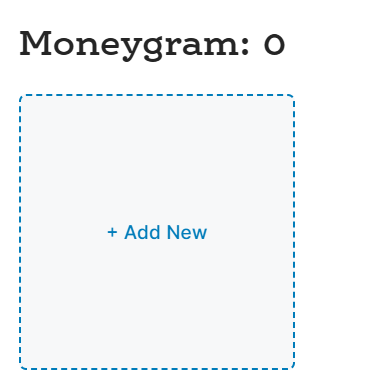
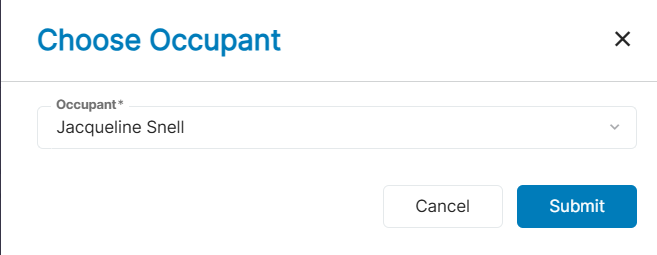
- If the resident has accessed their MoneyGram details within the Resident Portal, the details will display in this section automatically. If they have not, you may click on ‘Add New’, select the occupant and click ‘Submit’.
- Once done, the MoneyGram details will then display
Each resident is assigned a unique Biller Account Number and the Receive Code is standardized for all residents.