- In your Prisma account, navigate to ‘Messages’ on the left hand side
- Click the ‘Sent’ button in the middle of the screen
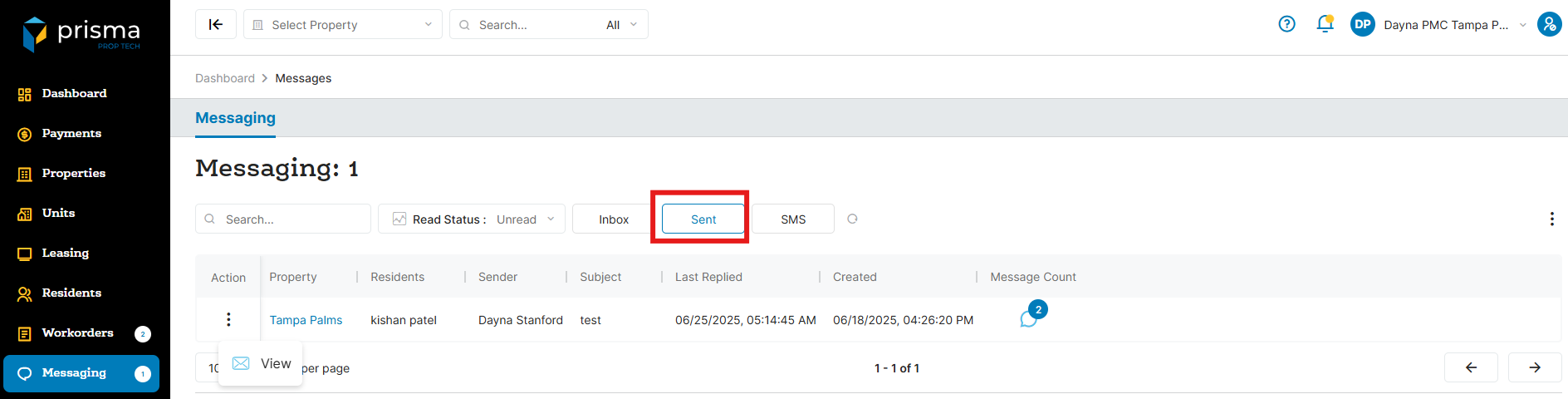
- A listing of all the sent messages will be displayed. If you want to view a specific message, click the three dots in the ‘Action’ column and select ‘View’