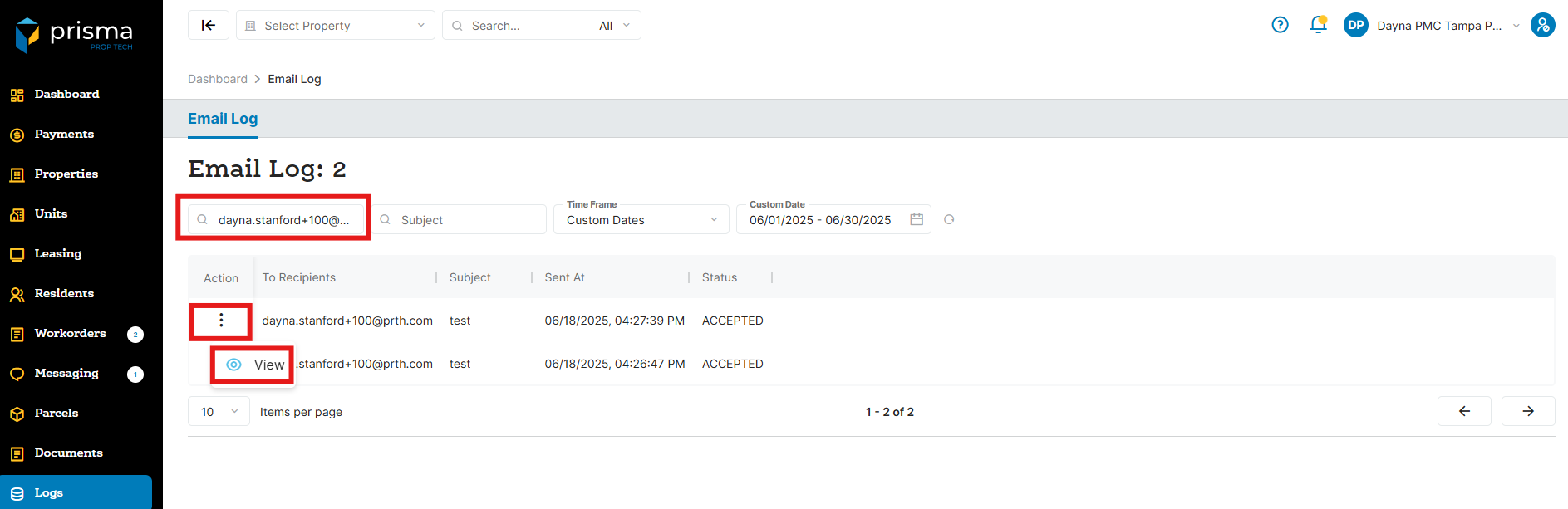
- In Prisma, navigate to the menu on the left side of the screen and choose the “Logs” option
- Using the search bar, enter the residents email address or locate the email log you want to view. Click on the three dots located under the ‘Action’ column, and then select the ‘View’
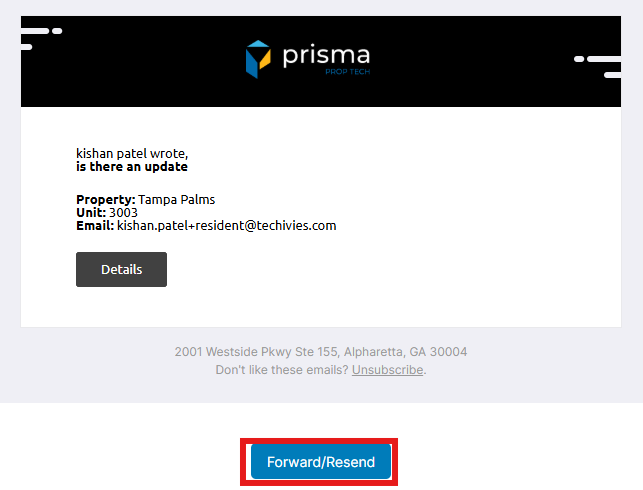
- The email will display. You may click ‘Forward/Resend’, if needed