Skip to content
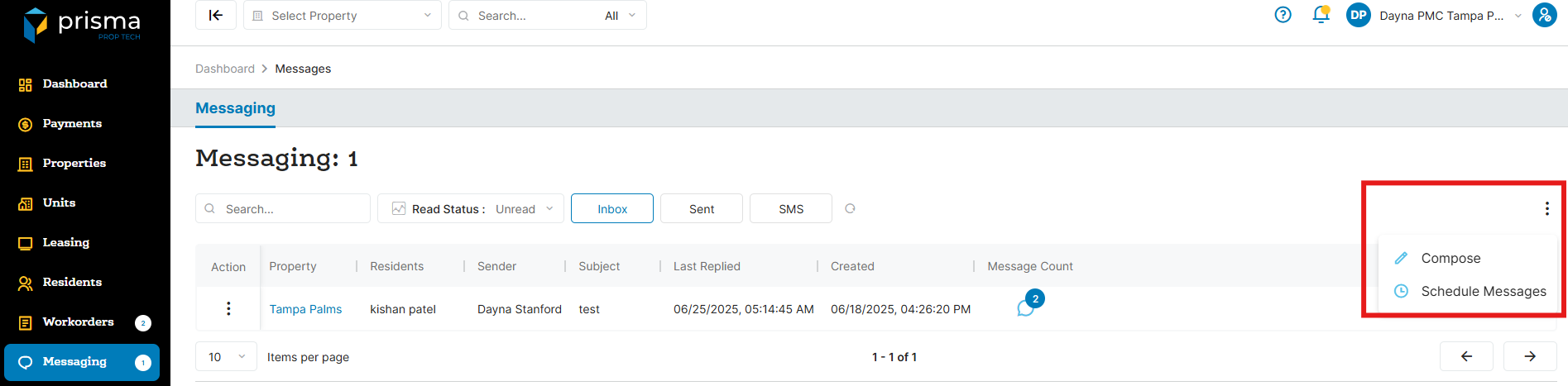
- In your Prisma account, navigate to ‘Messaging’ on the left hand side
- On the far right side click the three dots and click ‘Compose’
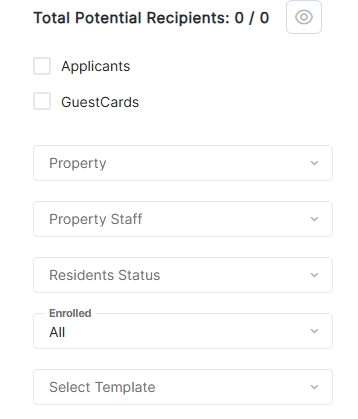
- In the ‘Property’ dropdown, select the property name. You may also filter by building, property staff, resident status, enrolled, move in date, lease end date or anybody that has a balance
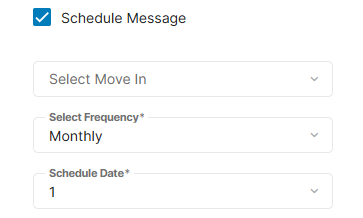
- Check the ‘Schedule Message’ check box
- Select the frequency and enter the schedule date
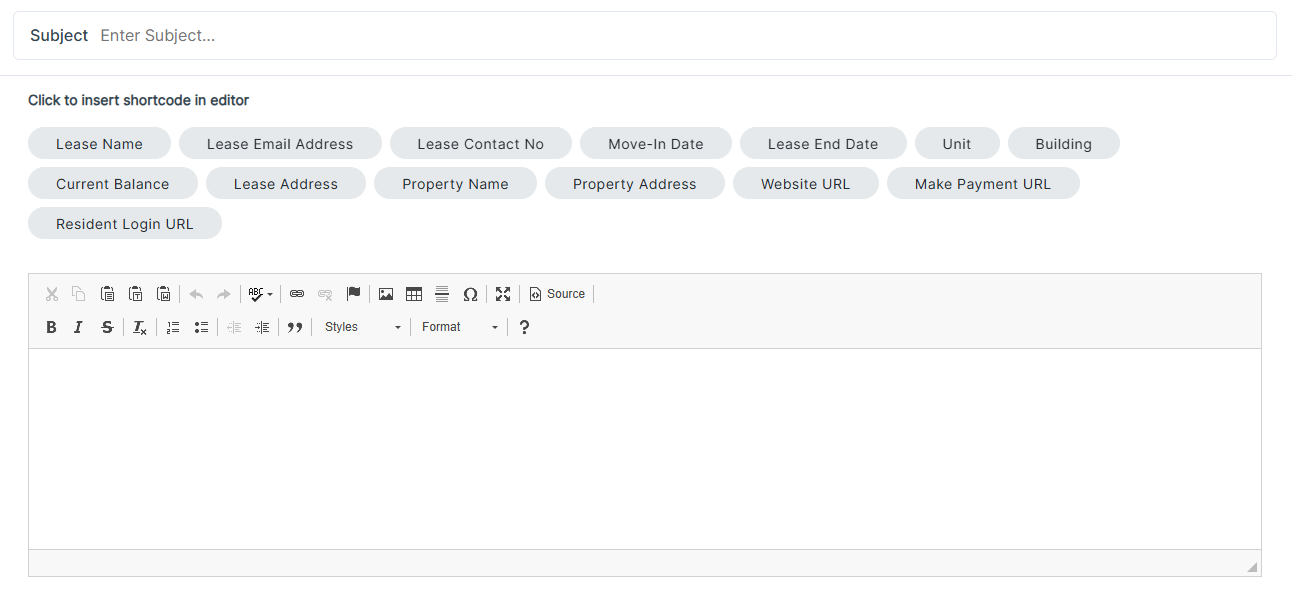
- Next, you will enter the ‘Subject’ of the message along with the ‘Body’ of the massage
- Once you have composed your message, click ‘Schedule’
- To view your scheduled messages, go back to the messaging tab and on the far right side click the three dots and click ‘Schedule Messages’