How To Access The Prisma Manager Portal
- Log into Prisma’s portal here
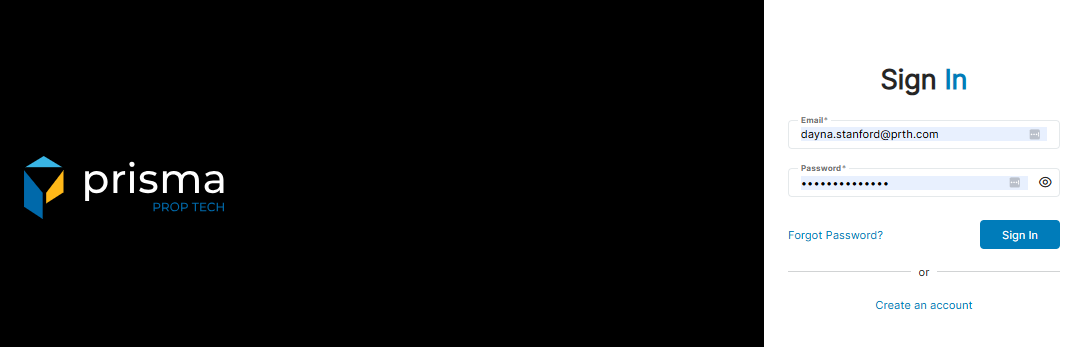
- Enter your username and password in the login fields to access your account
Forgot Password
- In the event you forgot your password, click ‘Forgot Password?’
- You will be prompted to enter your email address. Once done, click ‘Reset Password’

- A system-generated email will be sent to your verified email address for a password reset