- In your Prisma account, navigate to ‘Payments’ on the left hand side
- Click on the ‘Batches’ tab
- If required, you may filter by property at the top of the screen by selecting the property from the drop down
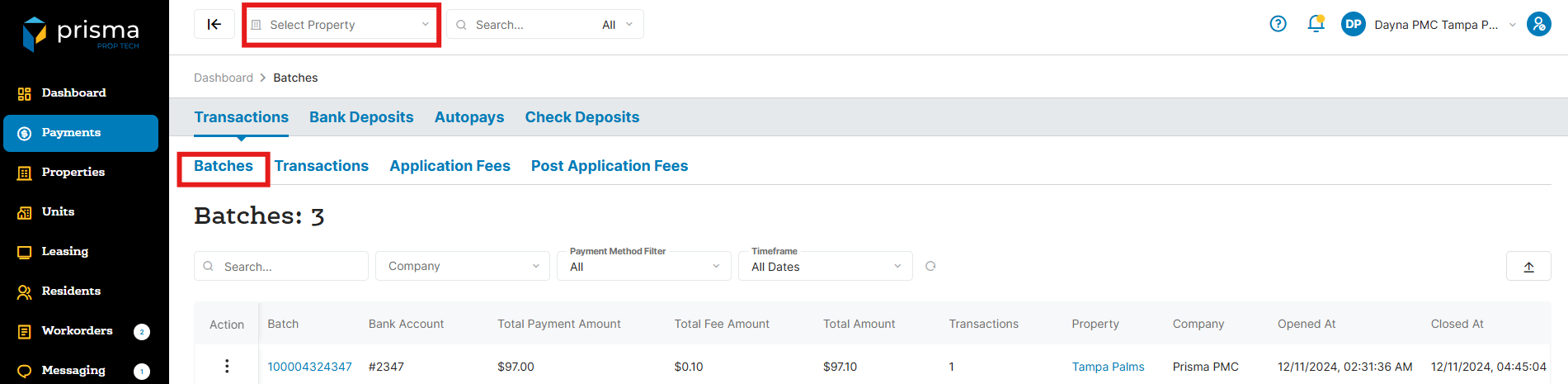
- To view the details of a batch, click on the three dots located under the ‘Action’ column, and then select the ‘Transactions’ button
- The payment transactions that make up that batch will display
